
电脑reboot and select proper boot device是什么意思(2)
导读:电脑reboot and select proper boot devi,4、系统引导文件损坏或丢失。进入桌面后,打开桌面的所有程序目录下的 引导修复点击C盘, 再点击开始修复,最后重启看是否能正常开机。 5、硬盘损坏
电脑reboot and select proper boot devi
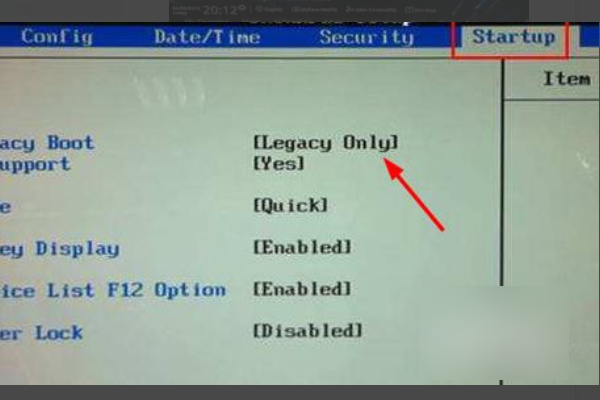
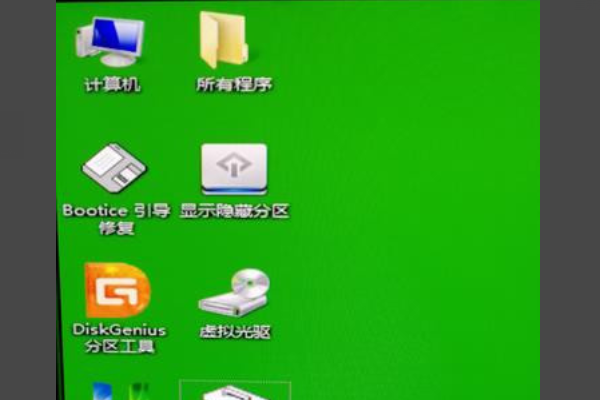
4、系统引导文件损坏或丢失。进入桌面后,打开桌面的所有程序目录下的引导修复点击C盘,
再点击开始修复,最后重启看是否能正常开机。
5、硬盘损坏。 如果进入BIOS的BOOT能看到硬盘,可以尝试在U盘PE系统下用工具修复硬盘。
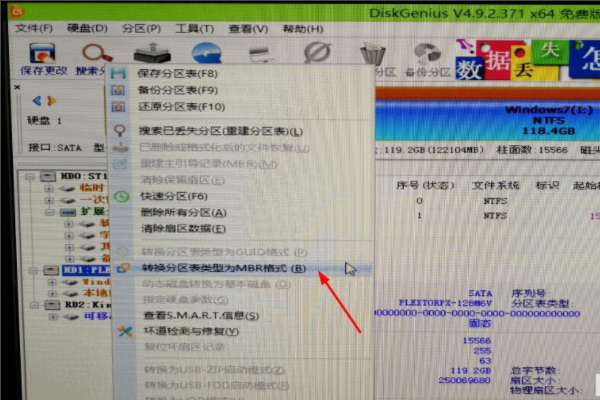
6、硬盘上的分区表存在问题。 进入U盘PE系统,打开diskgenius,
右击系统所在的硬盘,把GPT分区改成MBR分区,最后重启电脑。
上述的关于电脑reboot and select proper boot device是什么意思的详细讲解,仅供大家参考建议!
相关阅读
-
笔记本电脑系统怎么重装 买笔记本电脑必备常识
本文导读:笔记本电脑系统怎么重装和买笔记本电脑必备常识的方法内容,接下来分享详细内容。 笔记本电脑重装系统是指将原有的操作系统删除,重新安装一份全新的操作系统。这一过程可
-
assertion failed怎么解决 debug assertion failed解决教程
为网友解答debug assertion failed解决教程的内容,关于assertion failed怎么解决 debug assertion failed解决教程,下面为详细的介绍。 许多的电脑用户在开机的时候都出现了debug assertion failed的提示,其实
-

win10打开图片需要新应用打开此ms-gaming解决教程 win10需要使用新应用以
对于许多网友来说win10打开图片需要新应用打开此ms-gaming解决教程方面的介绍,关于win10打开图片需要新应用打开此ms-gaming解决教程 或者 win10需要使用新应用以打开此ms-gamingoverlay链接,相关内
-
如何控制远程电脑 电脑远程控制操作教程
全面为您解析电脑远程控制操作教程的话题,关于如何控制远程电脑 电脑远程控制操作教程,下面小编为您详细解答 在生活中使用电脑工作的用户非常多,但是许多都不知道电脑远程控制怎么